The three rules to apply first
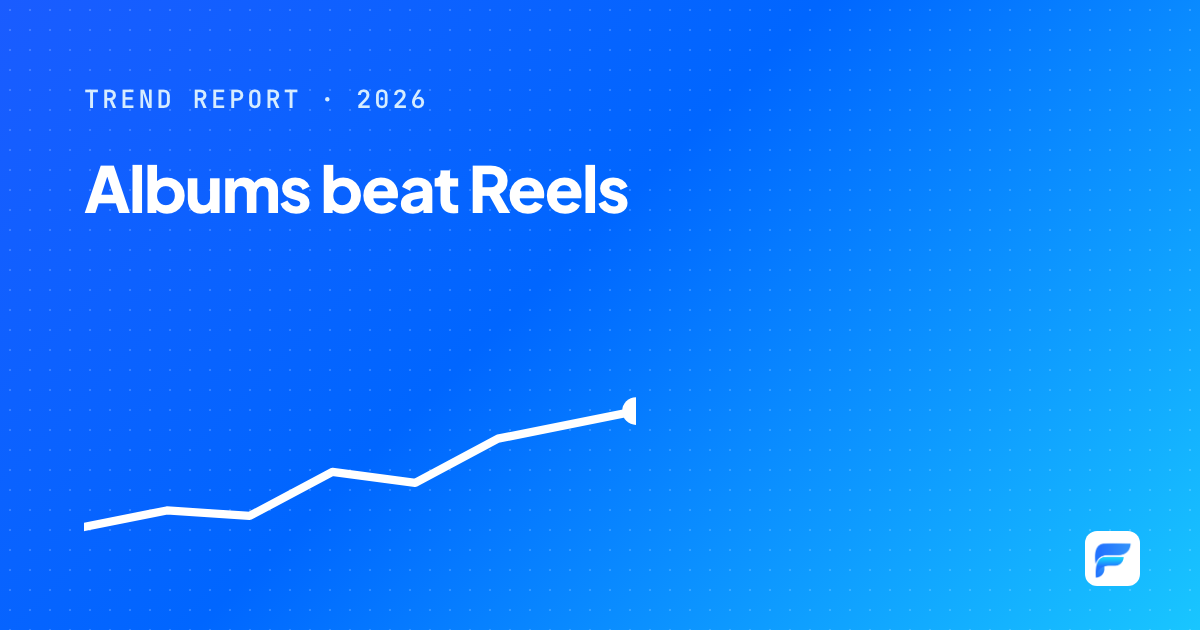
- Move some single photos to albums: albums win on 74% of Pages.
- Never leave the caption empty: caption-less posts reach just 0.30x of normal.
- Only ask questions when you want to hear from your audience, and ask about real experience.
This playbook turns the findings from our 8,644-post trend report into seven rules you can apply to next month's content calendar. Each rule comes with the supporting data, how to do it, an example caption and a metric to track.
The example captions were written by our editors for illustration; they are not real posts. Adapt them to your brand's voice.
01 · Seven rulesFrom data to content calendar
Tell multi-moment stories with an album, not a single photo
"A day in our workshop, from 6 am to lights out. Which photo surprised you most?"
Measure: median engagement of albums versus single photos on your own Page, after 4 weeks.
Test Reels alongside albums; don't default to Reels
"[Reel] The first 15 seconds of a customer unboxing. [Album] 6 unboxing moments, with the customer's own words."
Measure: median engagement per format; with admin access, add video views.
Never leave the caption empty
"We drove this car 300 km of mountain road. Here's what surprised the whole crew."
Measure: share of posts with a caption in your calendar (target: 100%).
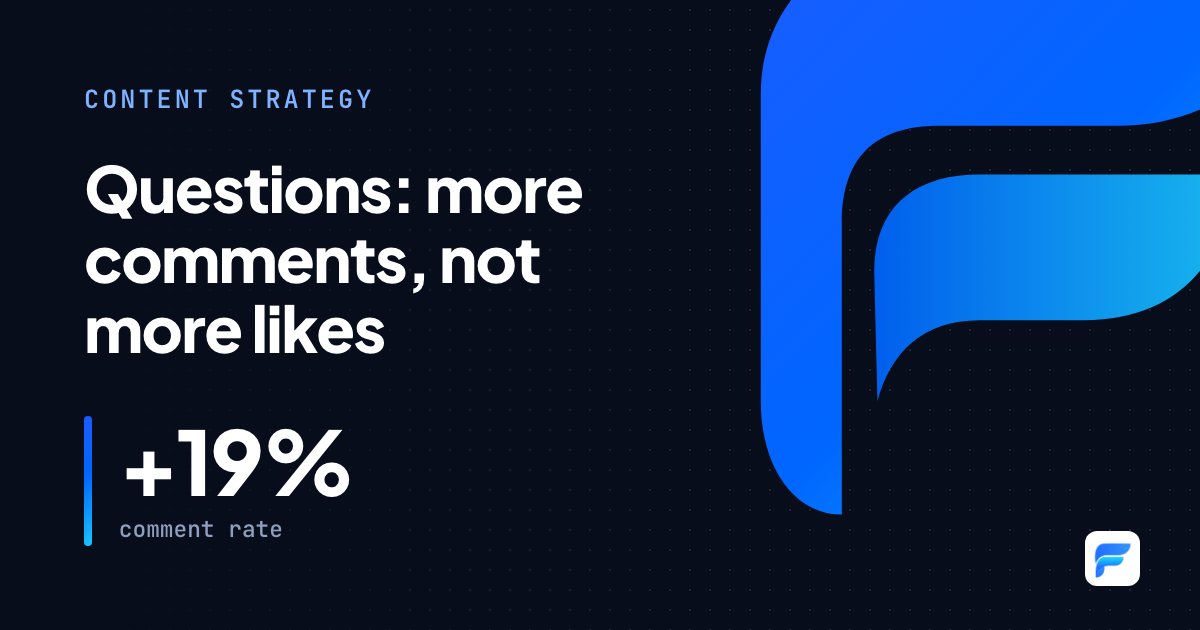
Ask when you want to listen, and ask about real experience
"Do you have a memory with your family's first car? Tell us about it."
Measure: comment rate (comments / total engagement), with giveaways reported separately.
Limit links in captions when the goal is engagement
"Full offer terms are in the first comment. Here, we just want to tell you why this model exists."
Measure: compare engagement of posts with and without links over 4 weeks. Placing links in comments is worth testing; it isn't verified in this dataset.
Tell features through a specific person
"Lan drives 80 km a day for school runs and work. In the past month, she hasn't stopped at a gas station once."
Measure: engagement of person-led feature posts versus spec-style feature posts.
Don't over-optimize posting time
"Fixed schedule: Tuesday and Friday at 7:30 pm. One story album and one Q&A post each week."
Measure: consistency of your schedule, not engagement by hour.
02 · Checklist8 checks before you hit Publish
- The caption has at least one line saying what the post is about.
- The first line gives viewers a reason to stop.
- If the story has several moments, you've considered an album.
- If there's a question: just one, about real experience, on its own line.
- No rhetorical questions added for decoration.
- Product features are told through a person or a specific situation.
- Any link isn't the first line, and the post is measured by clicks.
- Someone is ready to reply to comments in the first hour.
03 · MeasurementFind out which rules work for your Page
The numbers in this playbook are general trends across 83 Pages. Your Page may differ. After 4 weeks, compare three metrics with the previous 4 weeks: median engagement per post, comment rate and share of posts under 100 engagements. Keep the rules that make a difference and drop the ones that don't.
Methodology & data sources
The rules are based on our trend report of 8,644 public posts from 83 Pages (Jan 1 – Oct 20, 2026), compared within each Page. Rules 5 and 6 include editorial suggestions not directly tested in the data, and are labelled as such.
- Source
- Trend report · 8,644 posts
- Caption templates
- Written by our editors for illustration
- Confidence
- Medium: general trends to verify on each Page
Analyze your own Page in minutes
The same technology behind every piece on this Blog. No admin access needed.
Start for free